VR Headsets for PS5: Requirements, Games and Whether PS VR2 Is Worth It
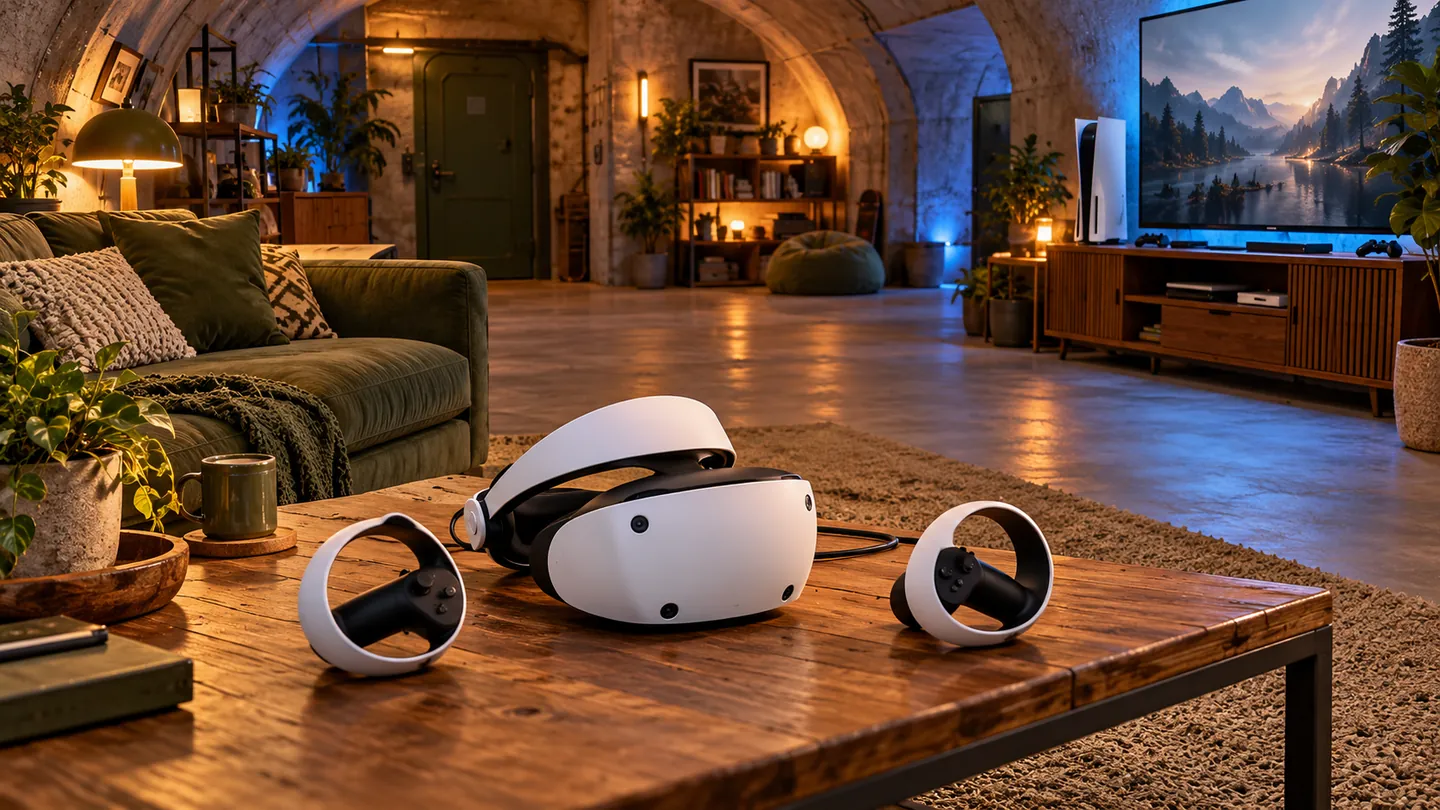
If you own a PlayStation 5 and want to try VR, PlayStation VR2 is the most direct native option. Unlike PCVR, Sony’s console does not require you to compare dozens of headset brands: its VR ecosystem centres on official PlayStation hardware.
1. Which VR Headsets Work with PS5?
A common beginner’s mistake is assuming that a standalone headset such as Meta Quest 3 or PICO 4 can connect to PS5 and run its games. PS VR2 is the only current-generation headset that connects directly to the console’s front USB-C port to play native big-budget VR titles.
2. PS VR2’s Main Features on PS5
Using PS VR2 with PS5 gives you high-end features that many more expensive PC headsets do not offer:
- HDR OLED displays: With 2000 × 2040 pixels per eye, true blacks and flawless colour contrast, they are well suited to atmospheric and horror games.
- Eye-tracked foveated rendering: Internal cameras identify the direction of your gaze. In games that implement it, rendering can prioritise detail in that area and reduce it in peripheral regions to save resources. It does not concentrate all graphics processing power on a single point, and its implementation depends on the game.
- Advanced haptic immersion: Both the Sense controllers and the headset include detailed vibration feedback to convey in-game effects through your head and hands.
3. The Trade-Offs to Consider Before Buying
Despite its technical strengths, there are three important trade-offs:
- A wired connection is required: PS VR2 is not wireless. Its USB-C cable must stay connected to your PS5 while you play, which can get in the way when standing or turning around.
- Fresnel lenses: Position the headset carefully so that your eyes are within its clearest viewing area. Pancake optics in other models may offer a wider clear area, but they do not guarantee perfect clarity across the whole image or the absence of reflections or eye strain either.
- No native backwards compatibility: Games made for the original PS4 PlayStation VR do not automatically work on PS VR2, which uses a radically different tracking system. A compatible version or update from the developer is needed.
4. What If You Also Want to Use PS VR2 on PC?
With the official adapter, PS VR2 can play compatible SteamVR titles. On PC, HDR, eye tracking, headset feedback, advanced Sense controller haptics and adaptive triggers are not supported. The controllers retain basic vibration when the game uses it. Support for that vibration does not mean a game restores the advanced features that are not officially supported. You also need the ports and accessories specified by Sony, including a compatible DisplayPort cable and the PC adapter.
PlayStation 5 VR FAQs
Do I need a PS5 Pro to use PlayStation VR2?
No. The headset is designed to work optimally with any standard PS5. PS5 Pro may improve clarity or stability in games with developer updates, but the standard console already provides an excellent base experience.
How much room do I need to play?
On PS5, PS VR2 supports seated, standing and roomscale play. Sony specifies a clear area of at least 1 × 1 metre for seated or standing play, and 2 × 2 metres for roomscale play. Also check the reach of your arms and controllers, remove obstacles, and follow the game’s and manufacturer’s instructions; those dimensions alone do not guarantee that you will avoid collisions.
Which games stand out in the PS VR2 catalogue?
Notable games in the PS VR2 catalogue include Gran Turismo 7, Resident Evil 4’s VR Mode, Resident Evil Village and Horizon Call of the Mountain. Gran Turismo 7 requires the PS5 version and a compatible update; two-player split-screen mode is not available in VR. Check each title’s edition and requirements before buying.
Sources and scope of this guide
An editorial comparison based on manufacturers’ documentation. Check the requirements of your games and PC, and what each package includes, before buying.
Keep exploring Búnker Gamer
Explore the guides, equipment and games that fit your next VR session.

